How to actually use your brand photos once you have them
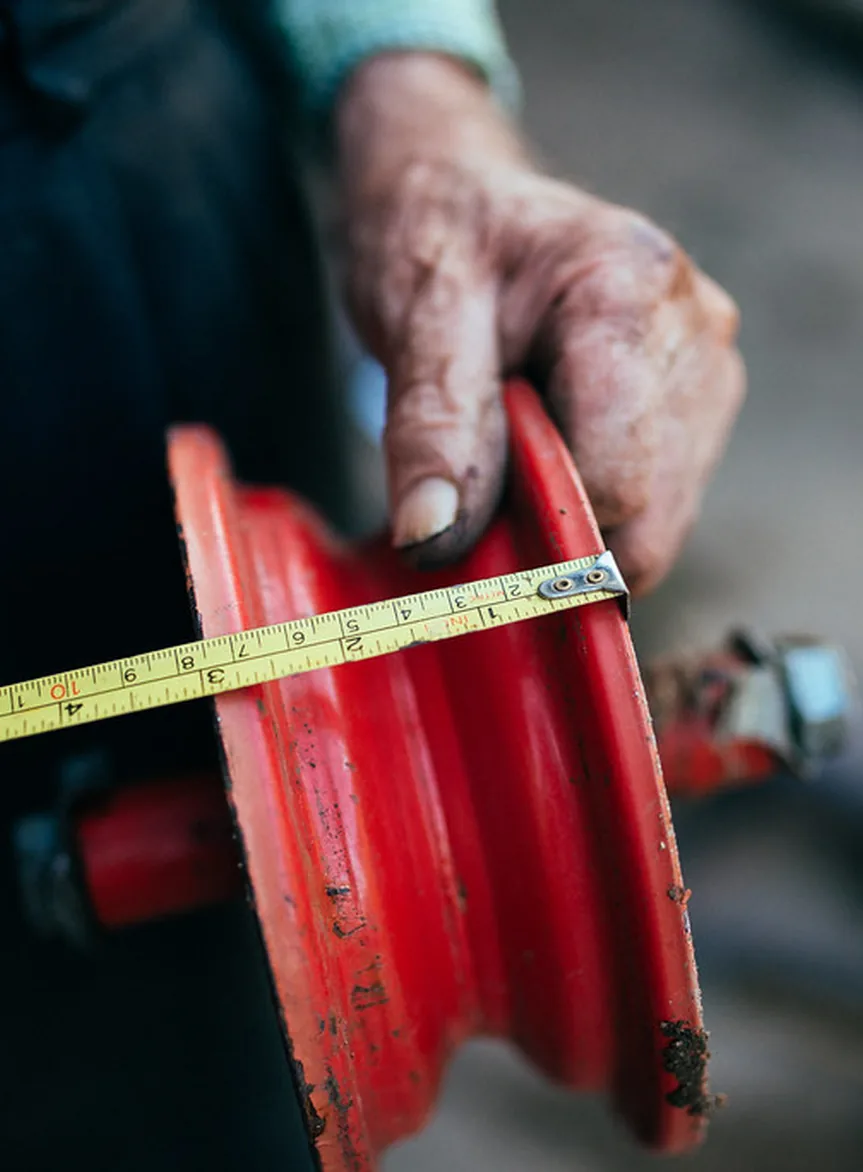
A brand shoot produces a library of images. What happens to that library after delivery is where most of the value either gets captured or gets lost. A lot of businesses use three or four images from a shoot of 60 and leave the rest sitting in a folder. This is a practical guide to doing it differently.
Organise before you distribute
Before you start dropping images into your website or social channels, spend an hour organising the library. Sort by subject: people, spaces, process, product, detail. Within each category, identify your first-choice images and your second-choice images. This makes it much easier to find the right image quickly when you need one, rather than scrolling through a folder every time.
Where the images actually go
Website: the homepage hero, the about page, the team section and any service or product pages are the obvious places. Less obvious but often more effective: the contact page (a photo of the space or the person they're about to email makes the page feel warmer) and the footer (a detail shot used as a background can lift a generic template significantly).
Social media: brand images work well as context for text-based posts, not just as standalone content. A photo of your workspace behind a caption about a project you're working on is more engaging than either the photo or the caption alone.
Press and pitching: a well-organised folder of brand images, shared via a link, is a much better press kit than a PDF with embedded images. Journalists and editors need high-resolution files they can download directly.
When to come back for more
Brand photography has a shelf life. Images that show your team, your space or your products from two years ago start to look dated, especially if the business has changed. A rough rule: if more than a third of the images in your library no longer accurately represent the business, it's time for a refresh.
A half-day refresh shoot, focused on what's changed rather than starting from scratch, is usually enough to update a library without the cost of a full shoot. It's worth building that into your planning rather than waiting until the images feel embarrassing.
If you're not sure whether your current library is working hard enough, send over a link to your website and we'll take a look. No charge for the opinion.